
By default, meeting participants are moved to their assigned rooms as soon as you open the room, but you can turn off this setting; see Turn off automatic entry to breakout rooms.
-
To open all the rooms at the same time, select Start rooms.
-
To open a single room, select More options
 next to the room and then Open room.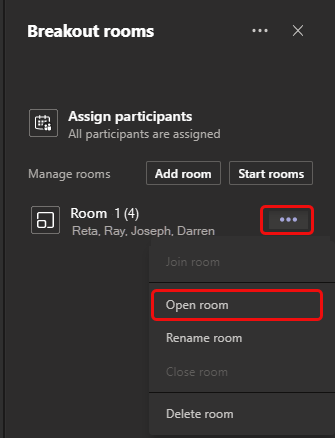
You can open and close breakout rooms more than once during a meeting.
Comments
0 comments
Please sign in to leave a comment.